10.12
10.12
 ipod touch review


These are instructions on how to jailbreak your iPod touch 4G and iPod touch 3G on iOS 4.3.3 using JailbreakMe.
Step One
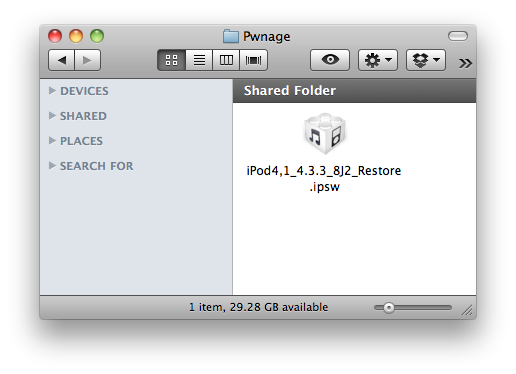
Create a Pwnage folder on your desktop and place the iOS 4.3.3 ipsw in it.
You can download the ipsw for your device from here:
4.3.3 (3G): iPod3,1_4.3.3_8J2_Restore.ipsw
4.3.3 (4G): iPod4,1_4.3.3_8J2_Restore.ipsw

Step Two
Connect your iPod to the computer and launch iTunes.

Step Three
Select your iPod from the list of devices on the left

Step Four
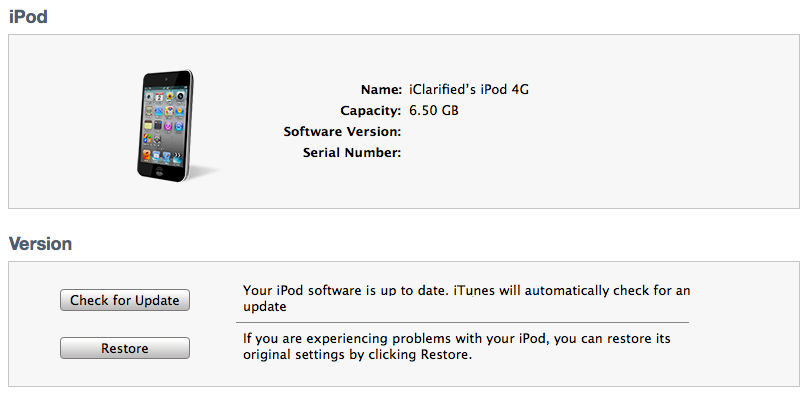
Hold down the Option (Mac) or Shift (Windows) key and click the Restore button.

Step Five
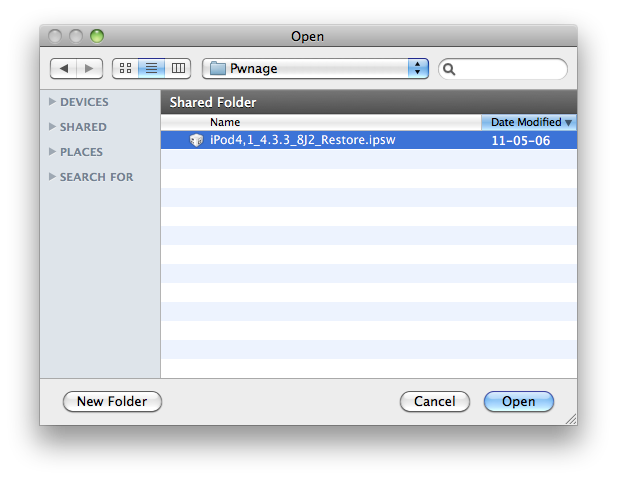
Select the iOS 4.3.3 ipsw from the Pwnage folder on your desktop and click Open.

Step Six
Once your iPod is running iOS 4.3.3, press to launch Safari from your desktop.

Step Seven
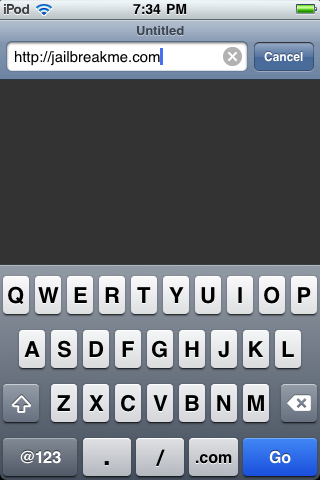
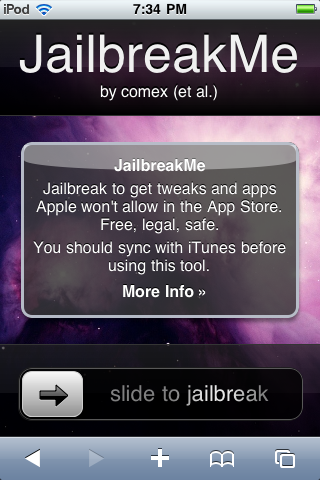
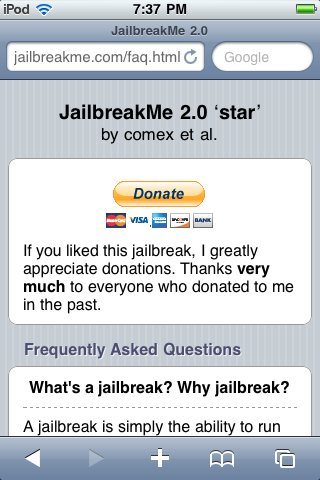
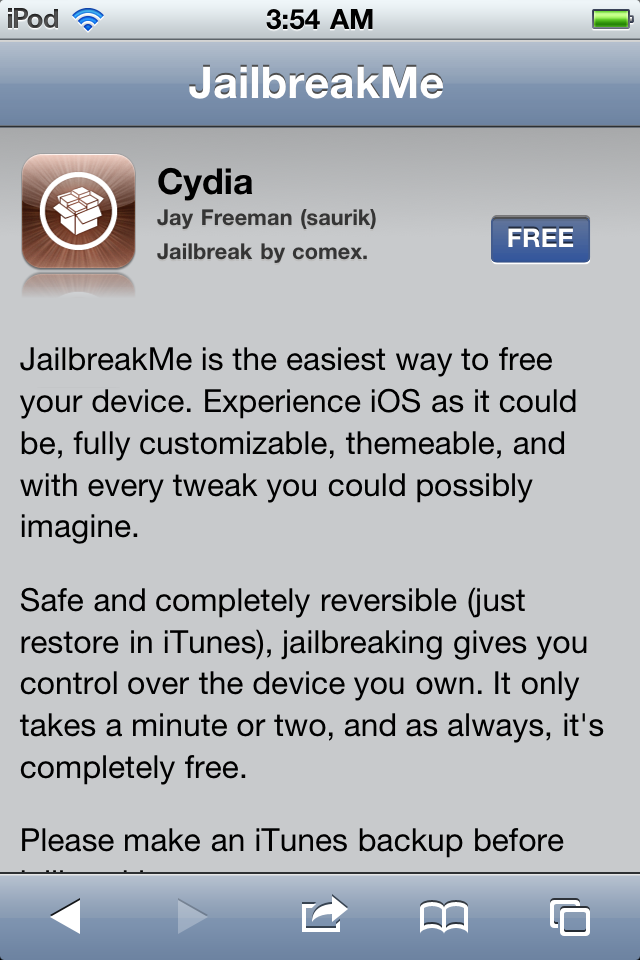
Navigate to http://www.jailbreakme.com and press the Free button.

Step Eight
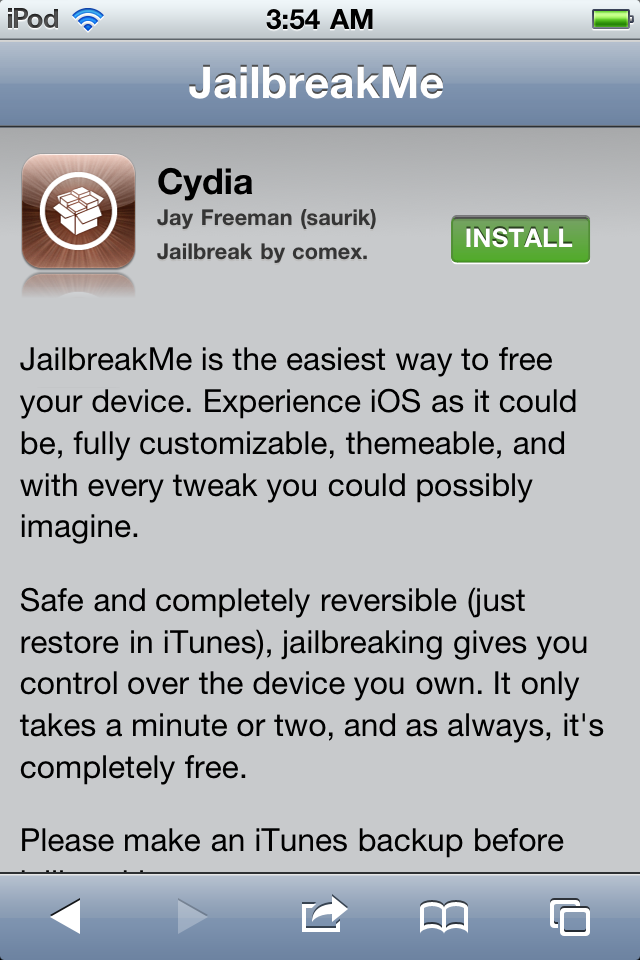
Press the Install button.

Step Nine
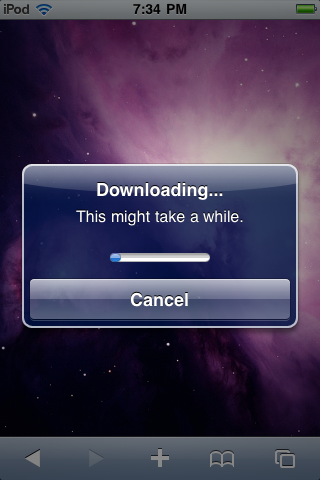
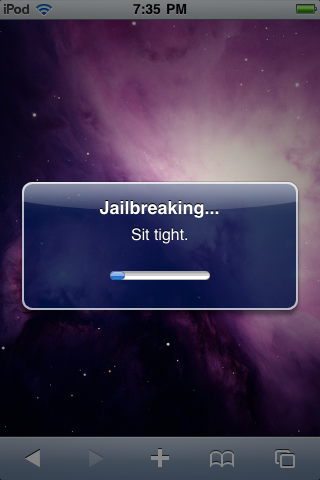
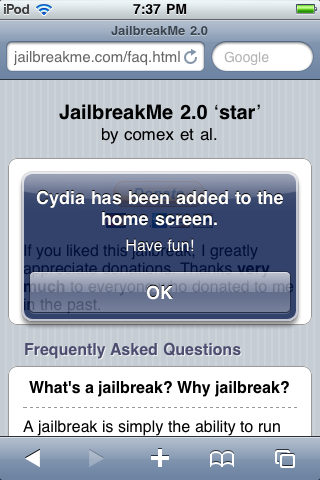
Safari will now close and Cydia will download and install.


Step Ten
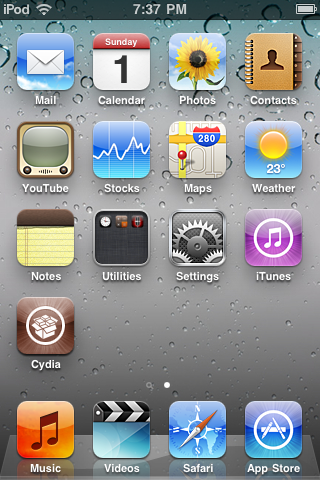
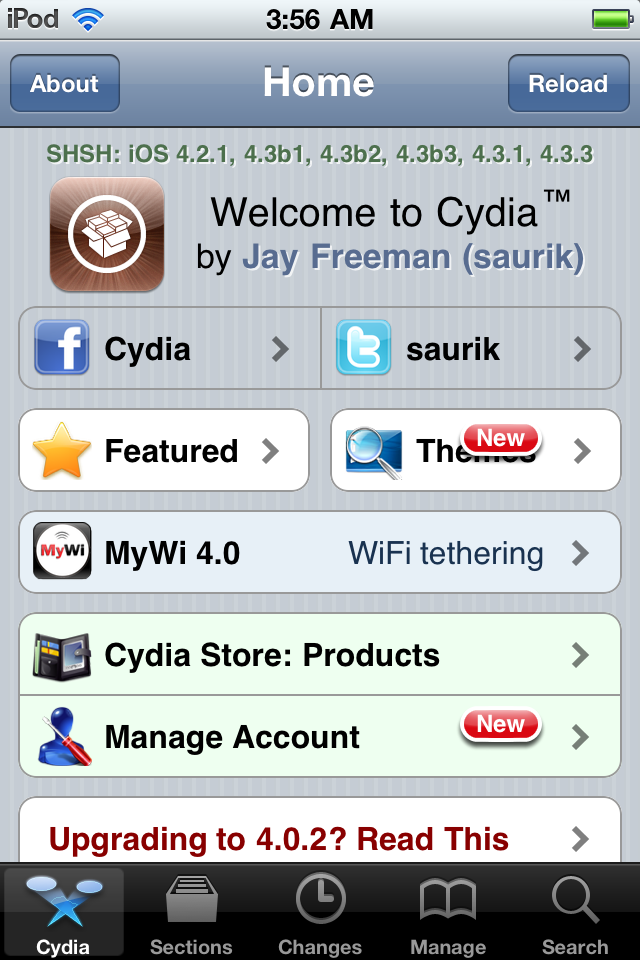
Press to launch Cydia and enjoy your jailbroken iPod!

***Thanks goes to Comex for his hard work on this impressive jailbreak!***
Create a Pwnage folder on your desktop and place the iOS 4.3.3 ipsw in it.
You can download the ipsw for your device from here:
4.3.3 (3G): iPod3,1_4.3.3_8J2_Restore.ipsw
4.3.3 (4G): iPod4,1_4.3.3_8J2_Restore.ipsw
Step Two
Connect your iPod to the computer and launch iTunes.

Step Three
Select your iPod from the list of devices on the left

Step Four
Hold down the Option (Mac) or Shift (Windows) key and click the Restore button.
Step Five
Select the iOS 4.3.3 ipsw from the Pwnage folder on your desktop and click Open.
Step Six
Once your iPod is running iOS 4.3.3, press to launch Safari from your desktop.

Step Seven
Navigate to http://www.jailbreakme.com and press the Free button.
Step Eight
Press the Install button.
Step Nine
Safari will now close and Cydia will download and install.


Step Ten
Press to launch Cydia and enjoy your jailbroken iPod!
***Thanks goes to Comex for his hard work on this impressive jailbreak!***